



How to generate a report?
Stella BIO allows you to generate a report for each completed workout. Exercise data is automatically saved, allowing you to review the summary at any time.
To generate a report, follow these steps:
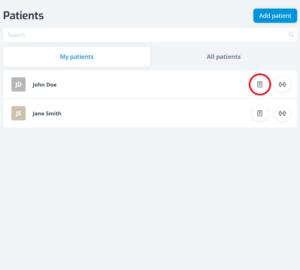
– access the patient’s card:
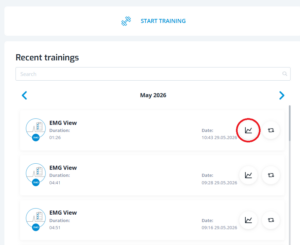
– select the exercise for which you wish to review the summary and click the report icon on the right:
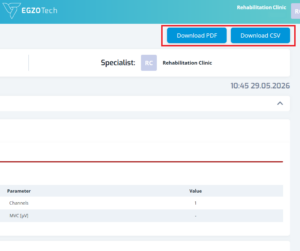
– the report is automatically generated. You can save it in one of two file formats: PDF or CSV:
To save the report as a file, connect a USB-C drive to the tablet.